

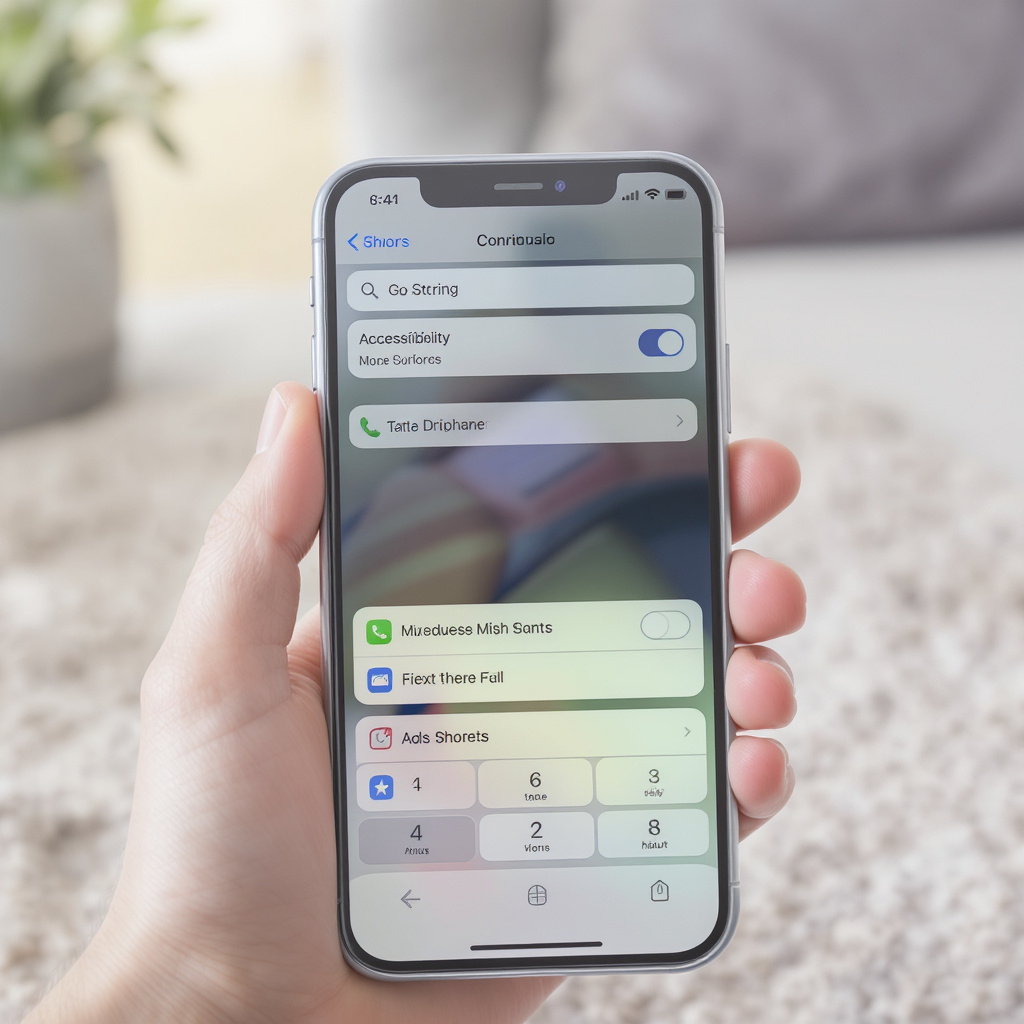
Using a smartphone can be simple and empowering once you understand the basics. Here’s a quick guide to help you get started, especially if you’re new to mobile technology:
🧭 Getting Started with a Smartphone
-
Understand the Device
Smartphones come in two main types: Android and iPhone. Each has its own operating system and layout, but both allow you to make calls, send texts, browse the internet, and use apps. -
Learn the Home Screen and Buttons
The How Do I Learn Smartphone Basics? Settings and Controls video walks through touchscreen gestures, the home button, back button, and how to navigate your phone’s interface—perfect for beginners. -
Make and Receive Calls
The iPhone Basics for Seniors: How to Use the Phone video shows how to dial numbers, set up contacts, and manage voicemail on an iPhone, making communication easy and intuitive. -
Explore Android Features
If you have an Android phone, Android Phones for Beginners, Session 1: The Basic of … explains how to set up your device, connect to Wi-Fi, and use essential apps like email and maps. -
Practice Everyday Tasks
learn how to use your android phone for seniors demonstrates how to make calls, send texts, use the camera, browse the internet, and download apps—all in a clear, senior-friendly format. -
Get Comfortable with Settings
#66 – How Do I Learn Smartphone Basics? covers how to adjust volume, notifications, and screen brightness, plus tips for using your phone more efficiently. -
Master Android Navigation
How To: Use Android Smartphones for Beginners walks through setting up a Gmail account, accessing the Play Store, and customizing your settings for a smoother experience.
These videos offer step-by-step guidance tailored for seniors and beginners, making smartphone use approachable and enjoyable.