

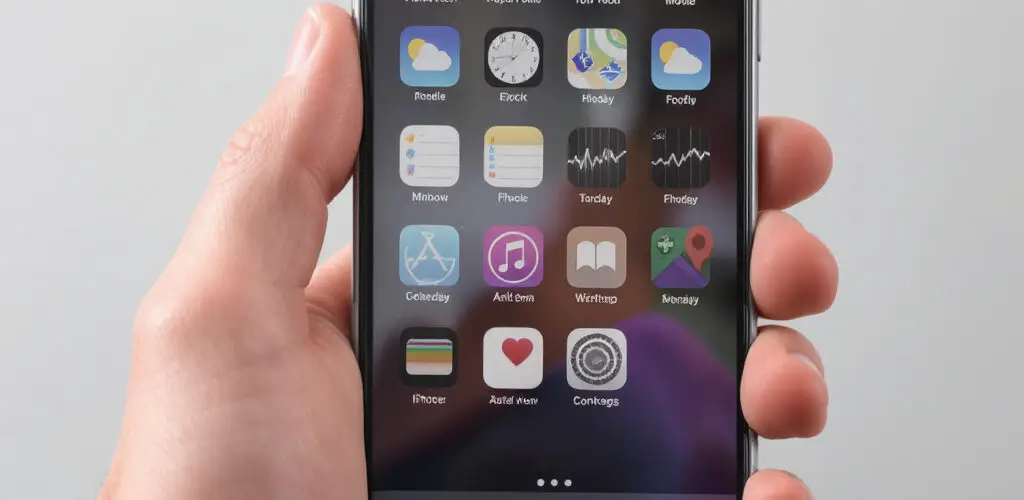
Learning the basics of an iPhone starts with understanding its intuitive interface. The Home Screen displays your apps, and gestures like swiping, tapping, and pinching help you navigate. The Control Center gives quick access to settings like Wi-Fi and brightness, while the Settings app lets you customize everything from notifications to privacy. Key features like Face ID or Touch ID secure your device, and iCloud keeps your data synced across Apple devices. Exploring built-in apps like Messages, Safari, and Camera is a great way to get comfortable—and the more you use it, the more natural it feels.