

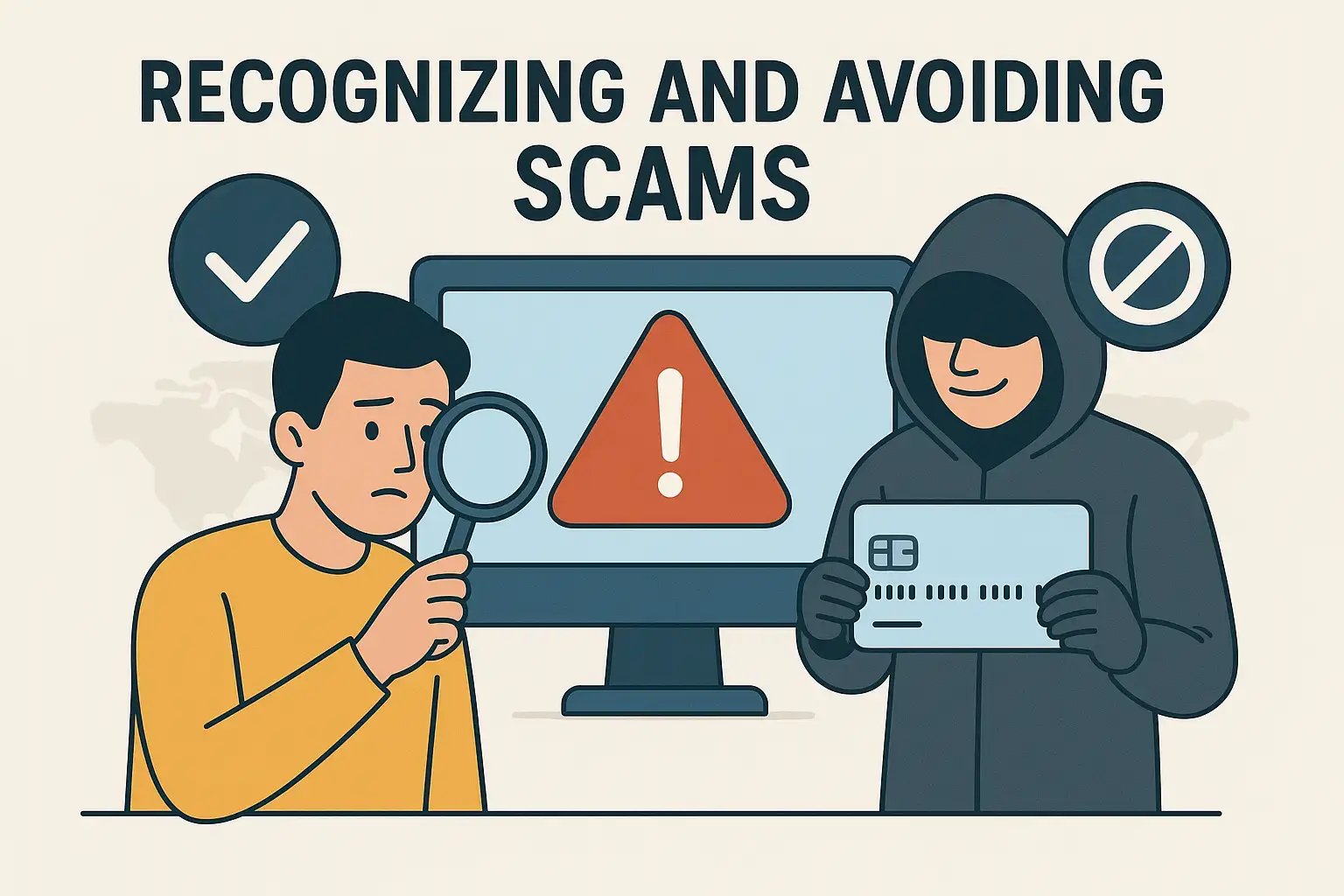
Title: Avoiding Scam Calls and Messages
Welcome to Module 11! In the last module, you learned how to enjoy audiobooks and podcasts for entertainment and learning. Now, we’ll shift to something very important: safety and privacy on your phone.
One of the biggest risks for seniors today is scam calls and scam text messages. Scammers often target older adults, trying to trick them into giving away money or personal information.
By the end of this lesson, you’ll know how to:
- Recognize common phone and text scams
- Avoid falling for tricks
- Block and report suspicious calls and texts
- Protect your personal information
Step 1: What Are Phone and Text Scams?
Scams are fake calls or messages designed to trick you. Scammers pretend to be:
- Banks or credit card companies
- The IRS, Social Security, or Medicare
- Family members in trouble
- Delivery companies
- Tech support
👉 Quick Tip: Real organizations almost never demand money, gift cards, or personal info over the phone or text.
Step 2: Common Types of Scams
Here are some you may encounter:
- “You owe money” scams: Caller says you must pay immediately or face arrest.
- “Family emergency” scams: Pretend to be your grandchild asking for money.
- Prize scams: Claim you won a lottery or prize, but need to pay fees first.
- Bank scams: Fake texts asking you to “verify your account.”
- Delivery scams: Texts saying “your package couldn’t be delivered” with a suspicious link.
👉 If something feels urgent, threatening, or too good to be true, it’s usually a scam.
Step 3: Recognizing Red Flags
Scammers often:
- Pressure you to act immediately
- Ask for payment with gift cards, wire transfers, or crypto
- Ask for personal info like Social Security number or bank details
- Use poor spelling or strange phrasing in messages
👉 Trust your gut — if something feels off, it probably is.
Step 4: What To Do When You Get a Scam Call
- Don’t answer unknown numbers.
- If it’s important, they’ll leave a voicemail.
- Hang up immediately.
- Don’t press buttons or talk back — it confirms your number is active.
- Never share personal information.
- Banks and government agencies won’t ask this over the phone.
👉 Quick Tip: Add “Do Not Call Registry” at donotcall.gov to reduce telemarketing calls.
Step 5: What To Do With Scam Texts
- Do not click on links.
- Do not reply.
- Delete the message.
- If needed, report spam texts by forwarding to 7726 (SPAM).
Step 6: Blocking and Reporting
On your Android phone:
- To block a number:
- Open the Phone app.
- Tap the number.
- Select Block Number.
- To block a text sender:
- Open the Messages app.
- Tap the message.
- Select Block and Report Spam.
This prevents scammers from reaching you again.
Step 7: Practice Together
Let’s practice (without real scammers):
- Open your call log.
- Pretend an unknown number called.
- Tap it, then tap Block Number.
- Open a sample text.
- Practice finding the Block and Report Spam option.
This way, you’ll feel ready if it happens for real.
Real-Life Example
One of my students, Betty, once got a call saying her grandson was in jail and needed bail money. She almost sent money, but instead, she called her daughter to check. Her grandson was safe at home. She told me, “Now I always double-check with family before believing a call.”
Another student, Ron, used to get daily spam texts. After learning to block and report, they almost completely stopped. He said, “I feel safer using my phone now.”
Troubleshooting Tips
- Still getting spam calls: Install a spam-blocking app like Hiya or Truecaller.
- Accidentally gave info: Contact your bank immediately and change passwords.
- Not sure if real: Call the official number on your bill or card, not the number that contacted you.
- Too many calls: Use “Do Not Disturb” mode and allow only trusted contacts.
Step 8: Extra Features
Explore these tools for more protection:
- Call Screening (on some Android phones): Google Assistant answers unknown calls for you.
- Carrier Spam Blocking: Some carriers (like Verizon, AT&T, T-Mobile) offer built-in spam protection.
- Password Managers: Keep your accounts safer with strong, unique passwords.
Wrap-Up & Next Steps
Let’s review:
- Scam calls and texts try to trick you into giving money or information.
- Red flags include urgency, threats, and requests for unusual payments.
- Don’t answer unknown numbers, and never click suspicious links.
- Use your phone’s block and report features to stay safe.
Your take-action tool for today:
- Block one spam number or text on your phone.
- Practice recognizing scam red flags by reviewing your recent messages.
In the next lesson, we’ll go deeper into safety by learning how to keep your phone secure with passwords and screen locks.
You’re doing an amazing job — I’ll see you in Module 11, Lesson 2: Setting Up Passwords and Screen Locks.