

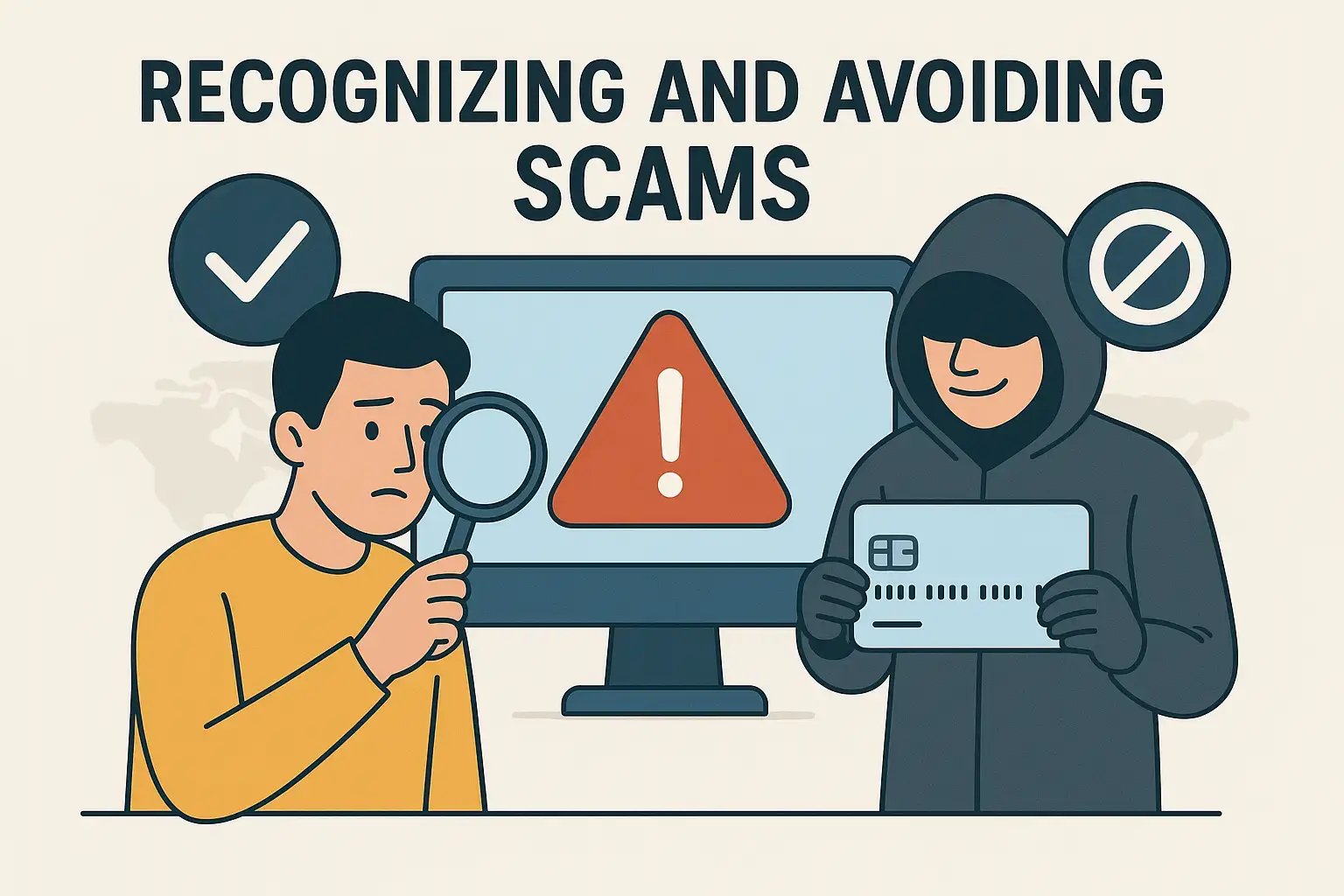
Title: Avoiding Scams and Spam Calls
Welcome to Module 6! You’ve learned how to personalize your phone, manage notifications, and even extend your battery life. Now we’re shifting to something equally important: keeping your phone safe.
Today, we’ll focus on scams and spam calls — the unwanted, and sometimes dangerous, calls or messages that many seniors face.
By the end of this lesson, you’ll know how to:
- Recognize spam and scam calls
- Avoid falling for phone scams
- Block unwanted numbers
- Use call protection features on your phone
Step 1: What Are Spam and Scam Calls?
- Spam calls are usually from telemarketers or robocalls (automated recordings). They try to sell you something.
- Scam calls are more dangerous. These callers pretend to be from banks, government agencies, or companies, and they try to trick you into giving personal or financial information.
👉 Example: A scam caller may say, “This is the IRS. You owe back taxes. Pay now or you’ll be arrested.”
This is fake. Government agencies never call demanding money like that.
Step 2: How to Recognize a Scam Call
Here are warning signs that a call is a scam:
- The caller asks for your Social Security number, bank account, or passwords.
- They pressure you to act immediately.
- They say you’ll lose money, be arrested, or have your account shut down.
- The number looks unusual or unfamiliar (sometimes showing as “Unknown” or “No Caller ID”).
👉 Quick Rule: If it feels urgent, threatening, or too good to be true — it’s likely a scam.
Step 3: How to Handle Scam Calls
- Do not share personal information. Never give out bank details, credit card numbers, or Social Security numbers over the phone.
- Hang up immediately. You don’t have to explain or be polite — just hang up.
- Do not call back. If you’re unsure, call the official number of the company or agency directly.
👉 Quick Tip: It’s always safer to end the call and verify through a trusted source.
Step 4: Blocking Numbers
If the same number keeps bothering you, block it.
- Open the Phone app.
- Tap Recents (your call history).
- Tap the number you want to block.
- Select Block or Report Spam.
From now on, calls from that number won’t reach you.
Step 5: Using Call Protection Features
Most Android phones have built-in tools to reduce spam calls.
- Caller ID & Spam Protection:
- Open Phone app > Settings > Caller ID & Spam.
- Turn it on.
- This will warn you when a suspected spam call comes in.
- Third-Party Apps: Some people use apps like Hiya or Truecaller for even stronger spam blocking.
👉 Quick Tip: These apps identify suspicious calls and block them automatically.
Step 6: Practice Together
Let’s practice staying safe:
- Open your Phone app and find the option to block a number.
- Turn on Caller ID & Spam Protection if it’s available on your phone.
- Think of one “red flag phrase” that would alert you to a scam — like “pay immediately” or “confirm your bank account.”
This way, you’ll be ready if a suspicious call comes in.
Real-Life Example
One of my students, Ellen, once got a call saying her grandson was in jail and needed bail money. She almost sent money but decided to call her daughter first. Her grandson was safe at home — it was a scam. She told me, “That call shook me, but now I know to always verify before acting.”
Another student, Robert, was constantly getting telemarketing calls. After turning on spam protection and blocking numbers, he said, “Now my phone only rings when it’s someone I care about.”
Troubleshooting Tips
- I blocked a number but still get calls: Some scammers use different numbers each time. Turn on Caller ID & Spam Protection for better results.
- I accidentally blocked the wrong number: Go to Settings > Blocked Numbers and remove them.
- I missed a real call because it looked suspicious: Check your voicemail — real callers usually leave a message.
- I’m not sure if it was a scam: Hang up and call the company or person directly at a trusted number.
Step 7: Staying Safe Beyond Calls
Scams also happen through texts and emails. The same rules apply:
- Don’t click on links from unknown numbers.
- Don’t reply to suspicious messages.
- Delete anything that looks strange.
Your phone is powerful, but your best protection is caution.
Wrap-Up & Next Steps
Let’s review what you learned today:
- Spam calls are annoying sales calls. Scam calls are dangerous and try to steal information.
- Warning signs include threats, urgency, or requests for personal info.
- The best response is to hang up and block the number.
- Caller ID & Spam Protection helps reduce unwanted calls.
Your take-action tool for today:
- Block one unwanted number from your call history.
- Turn on spam protection in your Phone settings.
- Write down one scam “red flag” phrase you’ll remember.
In the next lesson, we’ll continue with security by learning how to create strong passwords and lock your phone to keep your information safe.
You’re building not just skills, but confidence. I’ll see you in Module 6, Lesson 2: Creating Strong Passwords and Locking Your Phone.