

Setting Up Online Banking
Introduction to Online Banking
Online banking platforms have revolutionized the way we manage our finances, offering convenience and accessibility like never before. With just a few clicks, you can check your account balance, transfer funds, pay bills, and much more. However, to make the most of these platforms, it’s essential to understand how to use them effectively.
Setting Up Your Online Banking Account
The first step in navigating online banking platforms is setting up your account. This typically involves visiting your bank’s website or downloading their mobile app. You’ll need to create a username and password, and in some cases, set up additional security measures such as two-factor authentication. Ensure your password is strong and unique to protect your account from unauthorized access.
Understanding the Dashboard
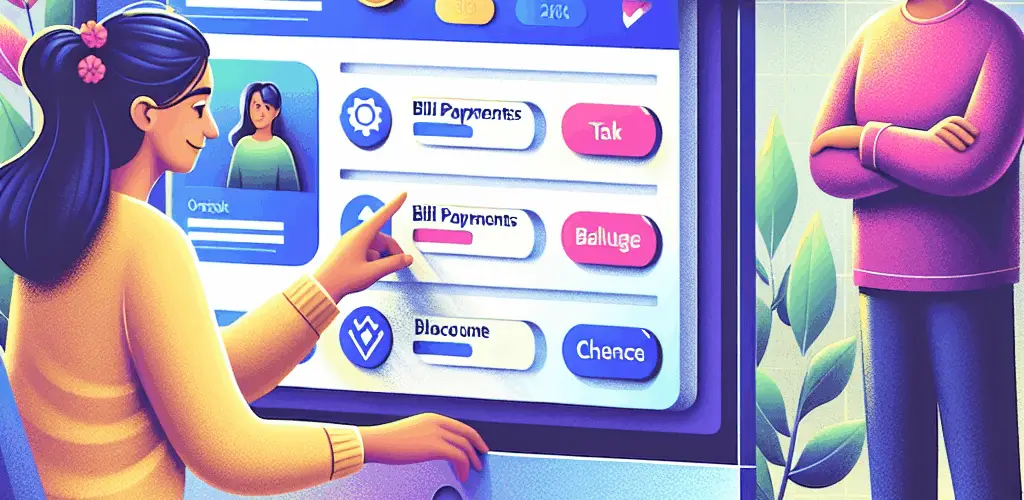
Once logged in, you’ll be greeted by the dashboard, which serves as the central hub for all your banking activities. Familiarize yourself with the layout and features available. Most dashboards will display your account balances, recent transactions, and quick links to common tasks like transferring money or paying bills. Take some time to explore these features to understand what your bank offers.
Managing Transactions
One of the primary functions of online banking is managing transactions. You can easily transfer money between accounts, send money to others, and pay bills directly from your account. To do this effectively, ensure you have the correct details for the recipient and double-check the transaction amounts before confirming. Many platforms also allow you to set up recurring payments, which can be a great way to automate your finances.
Utilizing Additional Features
Beyond basic transactions, online banking platforms often offer a range of additional features. These may include budgeting tools, spending analysis, and alerts for low balances or unusual activity. Take advantage of these tools to gain better insights into your financial habits and improve your money management skills.
Security Best Practices
Security is a critical aspect of online banking. Always ensure you log out of your account when finished, especially on shared or public devices. Regularly update your password and be cautious of phishing scams that attempt to steal your login information. If your bank offers biometric login options, such as fingerprint or facial recognition, consider using these for added security.
Customer Support and Troubleshooting
Even with the best platforms, you may encounter issues or have questions. Most banks offer customer support through various channels, including phone, email, and live chat. Familiarize yourself with these resources and don’t hesitate to reach out if you need assistance. Additionally, many banks provide online help centers with FAQs and troubleshooting guides.
Conclusion
By understanding how to navigate online banking platforms effectively, you can take full advantage of the convenience and features they offer. From setting up your account to managing transactions and utilizing additional tools, each step is crucial in ensuring a smooth and secure banking experience. Stay informed about new features and updates from your bank to continue optimizing your online banking activities.