About Course
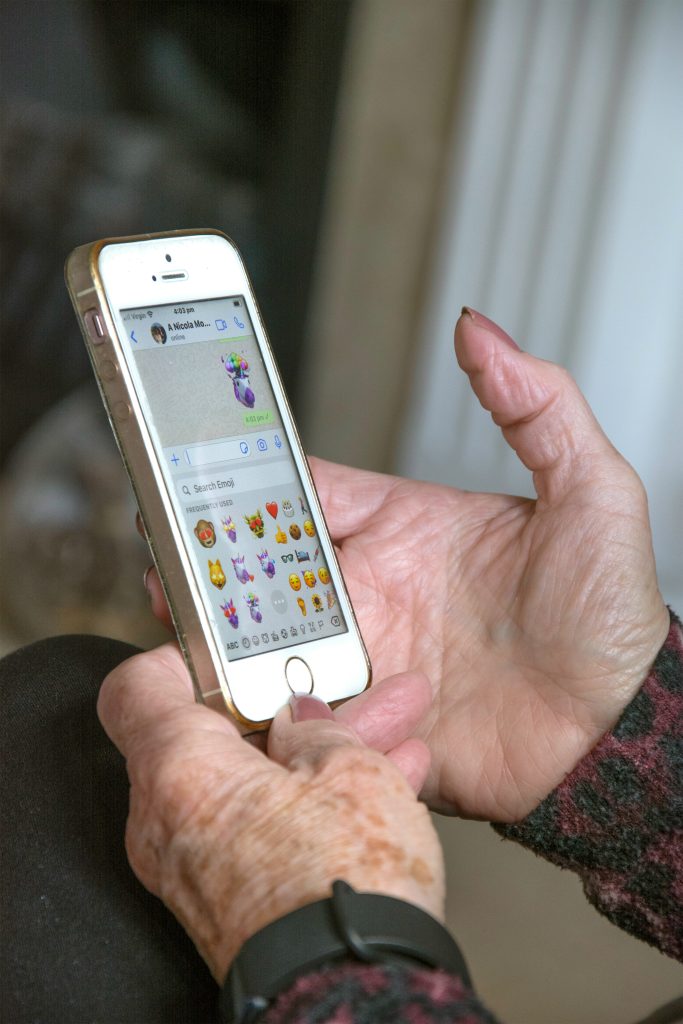
By the end of this course, you’ll be able to use your phone with confidence every single day. You’ll be able to call family, send photos, use apps, and stay connected with the world around you. And most importantly, you’ll feel independent — not having to rely on others for the simple things.
Course Content
Android Smartphone Success for Seniors
-
📖 Module 1, Lesson 0: Do I Have an Android Phone or an iPhone?
-
📖 Module 1, Lesson 1: Powering On, Charging, and Navigating the Home Screen
-
📖 Module 1, Lesson 2: Understanding Touchscreen Gestures (Tap, Swipe, Zoom)
-
📖 Module 1, Lesson 3: Adjusting Text Size, Volume, and Accessibility Settings
-
📖 Module 2, Lesson 1: Making and Receiving Phone Calls
-
📖 Module 2, Lesson 2: Sending and Reading Text Messages
-
📖 Module 2, Lesson 3: Using Video Calls (WhatsApp, Zoom, or Google Duo)
-
📖 Module 3, Lesson 1 What Are Apps and How to Download Them
-
📖 Module 3, Lesson 2 Essential Everyday Apps (Maps, Calendar, Notes)
-
Module 3, Lesson 3 Social Media Basics (Facebook, YouTube)
-
📖 Module 3, Lesson 4 Entertainment Apps (Music, Games, News)
-
📖 Module 4, Lesson 1 Taking Photos and Videos with Your Camera
-
📖 Module 4, Lesson 2 Viewing and Organizing Photos
-
📖 Module 4, Lesson 3 Sharing Photos with Family and Friends
-
📖 Module 4, Lesson 4 Editing Photos (Brightness, Cropping, Filters)
-
📖 Module 5, Lesson 1 Adjusting Wallpaper, Ringtones, and Display Settings
-
📖 Module 5, Lesson 2 Accessibility Features for Easier Use
-
📖 Module 5, Lesson 3 Managing Notifications
-
📖 Module 5, Lesson 4 Battery and Charging Tips
-
📖 Module 6, Lesson 1 Avoiding Scams and Spam Calls
-
📖 Module 6, Lesson 2 Creating Strong Passwords and Locking Your Phone
-
📖 Module 6, Lesson 3 Updating Your Phone and Apps Safely
-
📖 Module 6, Lesson 4 Using the Play Store Safely
-
📖 Module 7, Lesson 1 Using WhatsApp for Messaging and Calls
-
📖 Module 7, Lesson 2 Using Zoom for Video Calls
-
📖 Module 7, Lesson 3 Introduction to Facebook Basics
-
📖 Module 7, Lesson 4 Exploring YouTube for Entertainment and Learning
-
📖 Module 8, Lesson 1 Using Google Maps for Navigation
-
📖 Module 8, Lesson 2 Using Ride-Sharing Apps (Uber/Lyft)
-
📖 Module 8, Lesson 3 Online Shopping with Amazon
-
📖 Module 8, Lesson 4 Ordering Food Delivery (DoorDash/Uber Eats)
-
📖 Module 9, Lesson 1 Tracking Meals with MyFitnessPal
-
📖 Module 9, Lesson 2 Tracking Steps and Activity with Google Fit
-
📖 Module 9, Lesson 3 Using Medication Reminder Apps
-
📖 Module 9, Lesson 4 Using Telehealth Apps
-
📖 Module 10, Lesson 1 Streaming TV and Movies with Netflix/Hulu
-
📖 Module 10, Lesson 2 Listening to Music with Spotify and Pandora
-
📖 Module 10, Lesson 3 Listening to Audiobooks and Podcasts
-
📖 Module 11, Lesson 1 Avoiding Scam Calls and Messages
-
📖 Module 11, Lesson 2 Setting Up Passwords and Screen Locks
-
📖 Module 11, Lesson 3 Controlling App Permissions
-
📖 Module 11, Lesson 4 Safe Use of Public Wi-Fi and VPNs
-
📖 Module 11, Lesson 5 Backing Up Your Data Securely
-
📖 Module 12, Lesson 1 Review & Building Your Smartphone Routine
-
🎥 Closing Congratulations — You’ve Completed the Course!
No Review Yet